

Unified Inbox: every guest message in one place
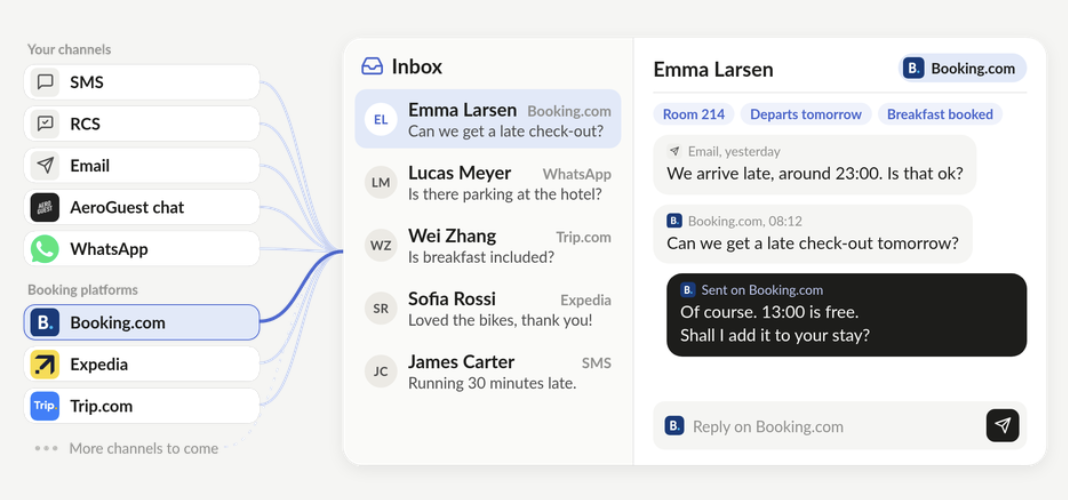
With Unified Inbox, email, SMS, Booking.com, Expedia, WhatsApp and more land in one inbox, one thread per guest, and your team replies in whichever channel the guest used.
Reach guests on the platform where they booked their stay. An SMS from an unfamiliar number is easy to overlook. A message from your hotel inside Booking.com is instantly familiar, because it's tied to their booking. And with automation, those messages go out on their own, at the right moment for every guest's stay.
It also solves a recent obstacle for your hotel. Since 28 September, Booking.com no longer includes guest phone numbers in the reservation data it sends to your PMS and channel manager, so the SMS message that reminds your guests to check in before arrival has no number to go to. Unified Inbox gives that reminder somewhere to go again and in an even better way than it was before this change.
How it will also benefit you and your guests every day
Reply where they write
Booking.com in, Booking.com out. Email in, email out. Guests are messaged where they prefer.
The stay in view
Room, dates and what the guest has bought sit beside every thread.
One list for the desk
Every channel in one place, instead of a separate platform and login for each.
Powered by AeroGuest's automation engine
Ensures every message is sent to the right channel, every time, and personalised to each guest's information.
Remember every guest
Preferences and past conversations follow the guest, so the next stay starts where the last one ended.
Turn guests into regulars
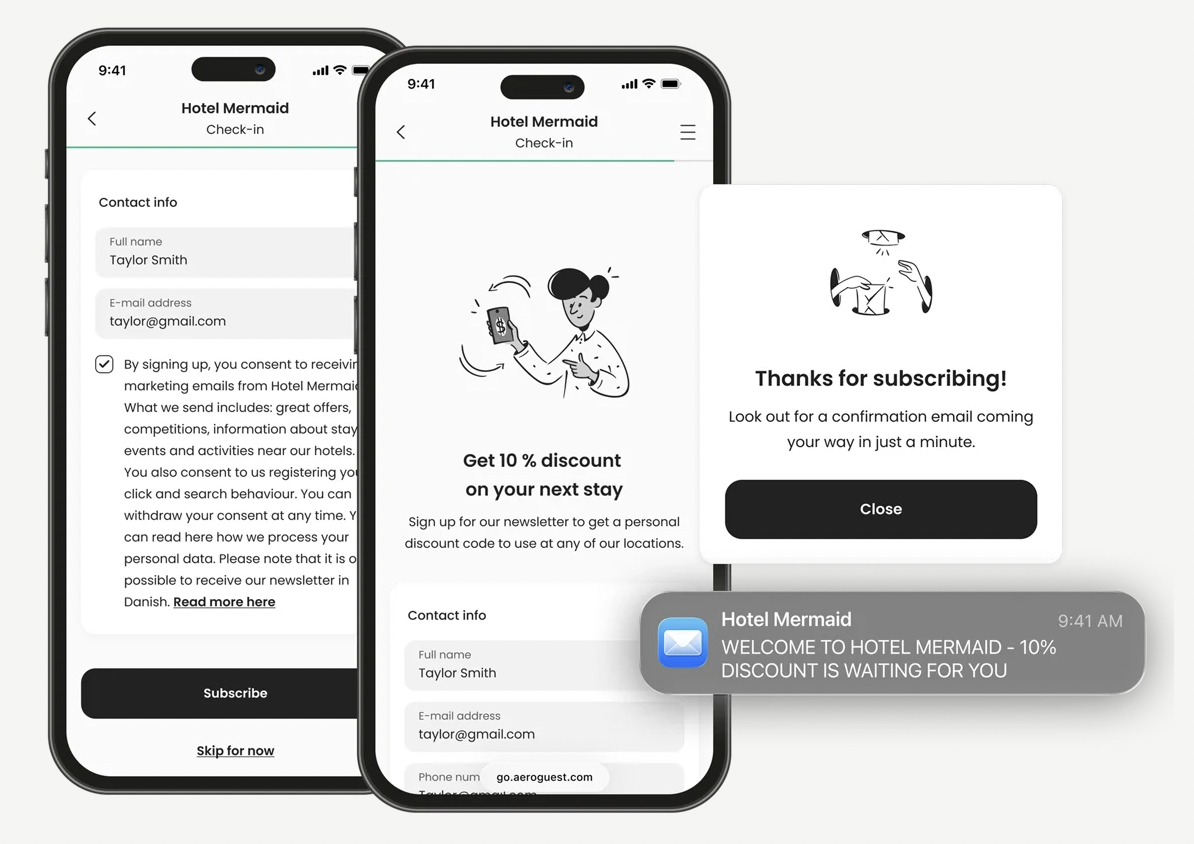
Real contact details and consent captured to your Audience, ready for every future stay.
Free for existing hotels. If your hotel is already on AeroGuest, you'll get Unified Inbox at no extra cost. Expected in 2027. We'll share the release date with you as we get further along.
→ Tell your Client Manager which channels your guests use most. It shapes what we build first.
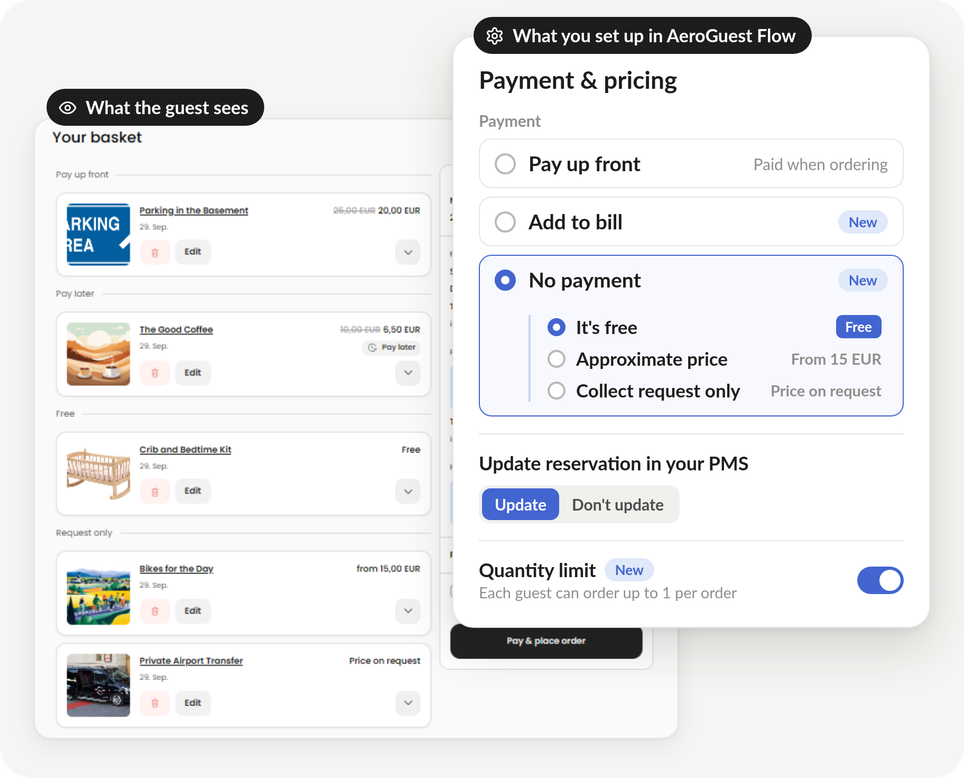
Add to bill in Extras
Extras now has three payment types and a quantity limit.
How it works
Pay up front
The guest pays when ordering, as before.
Add to bill
The order goes on the guest's reservation in your PMS, settled during the stay.
No payment
Free items, starting prices and request-only services such as a taxi.
Quantity limit
Cap how many of a product each guest or reservation can order.
→ Want Add to bill in Extras? Your Client Manager can check your PMS setup
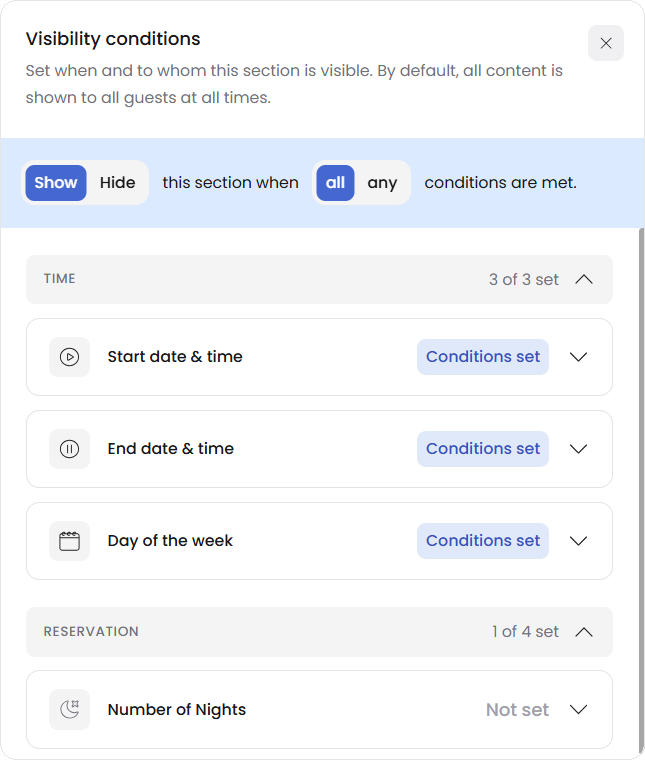
Clearer visibility conditions
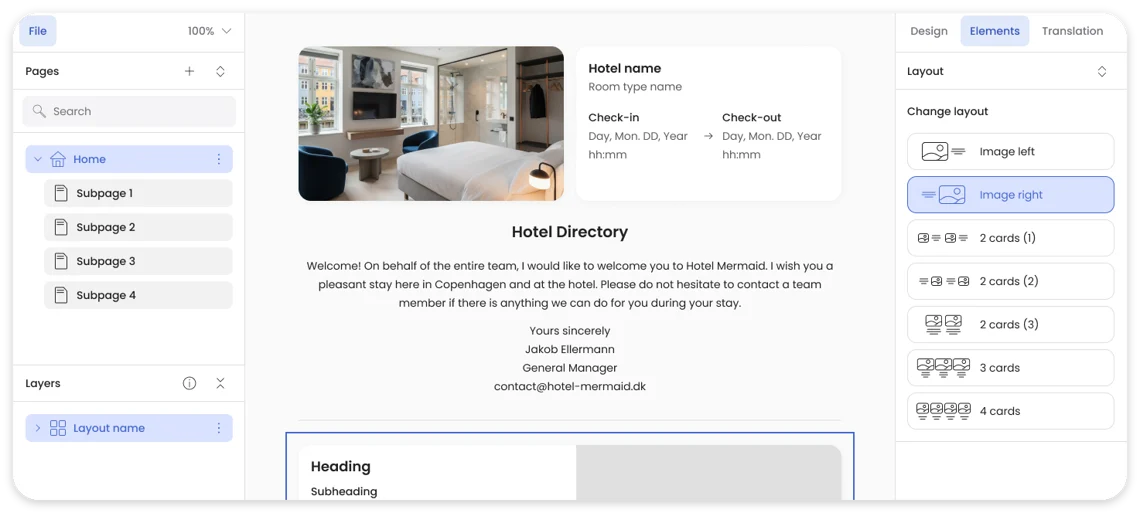
Setting who sees a Hotel Directory section is now easier to follow. Conditions are grouped into time and reservation data from your PMS, such as rate plan, number of nights and reservation status, and each group shows how many are in use. A plain-language summary spells out exactly when the section shows.
→ Not using conditions yet? Your Client Manager can help you set up the first one.
GoDo payments in the right currency
If your hotel is on Godo, payments at check-in and check-out now use the actual currency of each item on the bill, and items already paid are left out. If what's left to pay mixes currencies, payment gateways can't take it as one payment, so your front desk takes it manually.
No action needed. It's already live if your hotel is on Godo.