

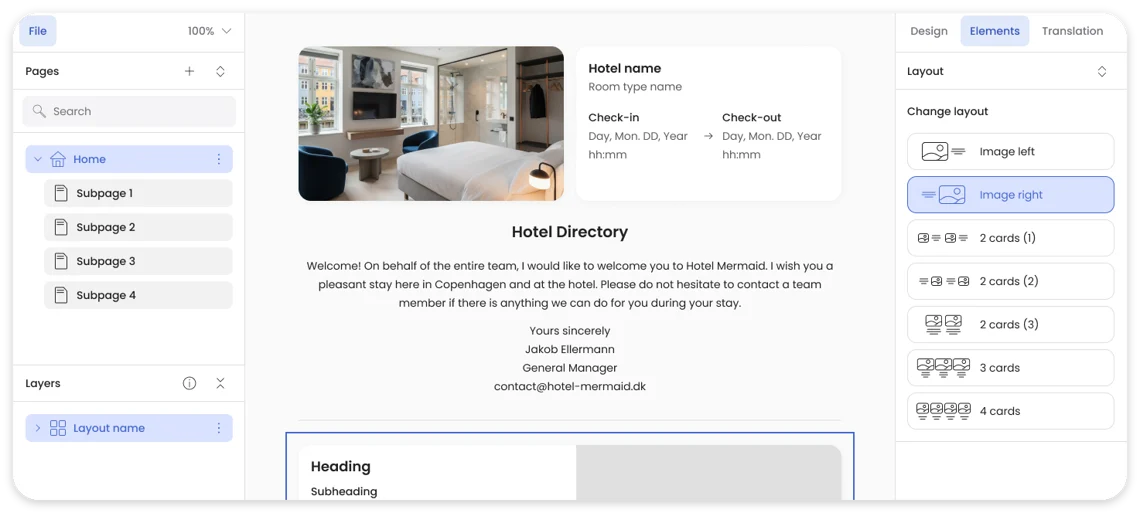
Two new features land in Hotel Directory this release. Together they change what a directory page can do, from a static content hub into something that adapts to who's reading it and how they got there.
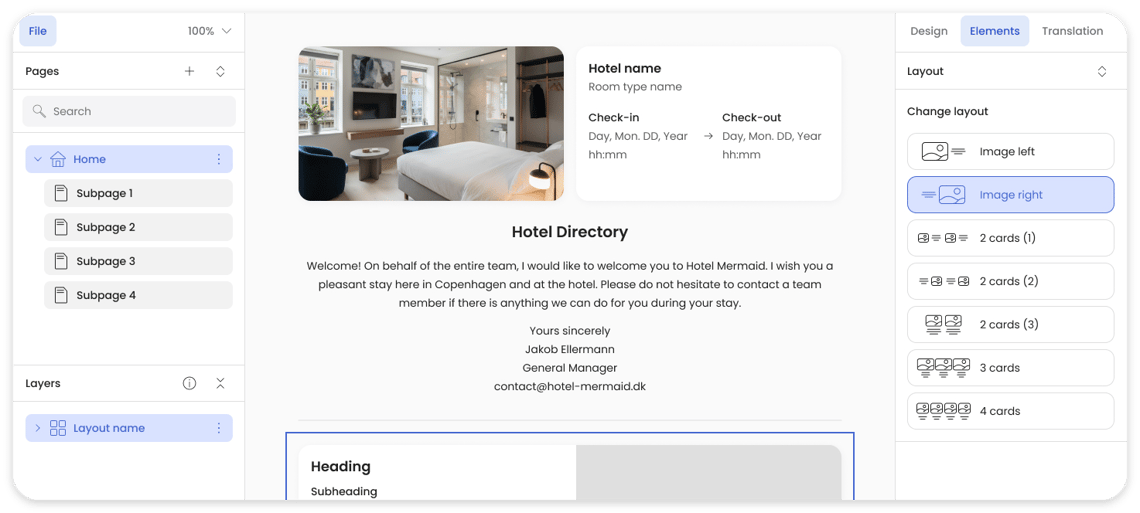
Conditional content
Any section on a directory page can now be made conditional. Click the section's More button, choose 'Set visibility conditions', and set the rules that decide who sees it. A welcome message for guests still in the pre-stay window. A breakfast block that only appears after check-in. A bike rental promotion shown only on weekend stays.
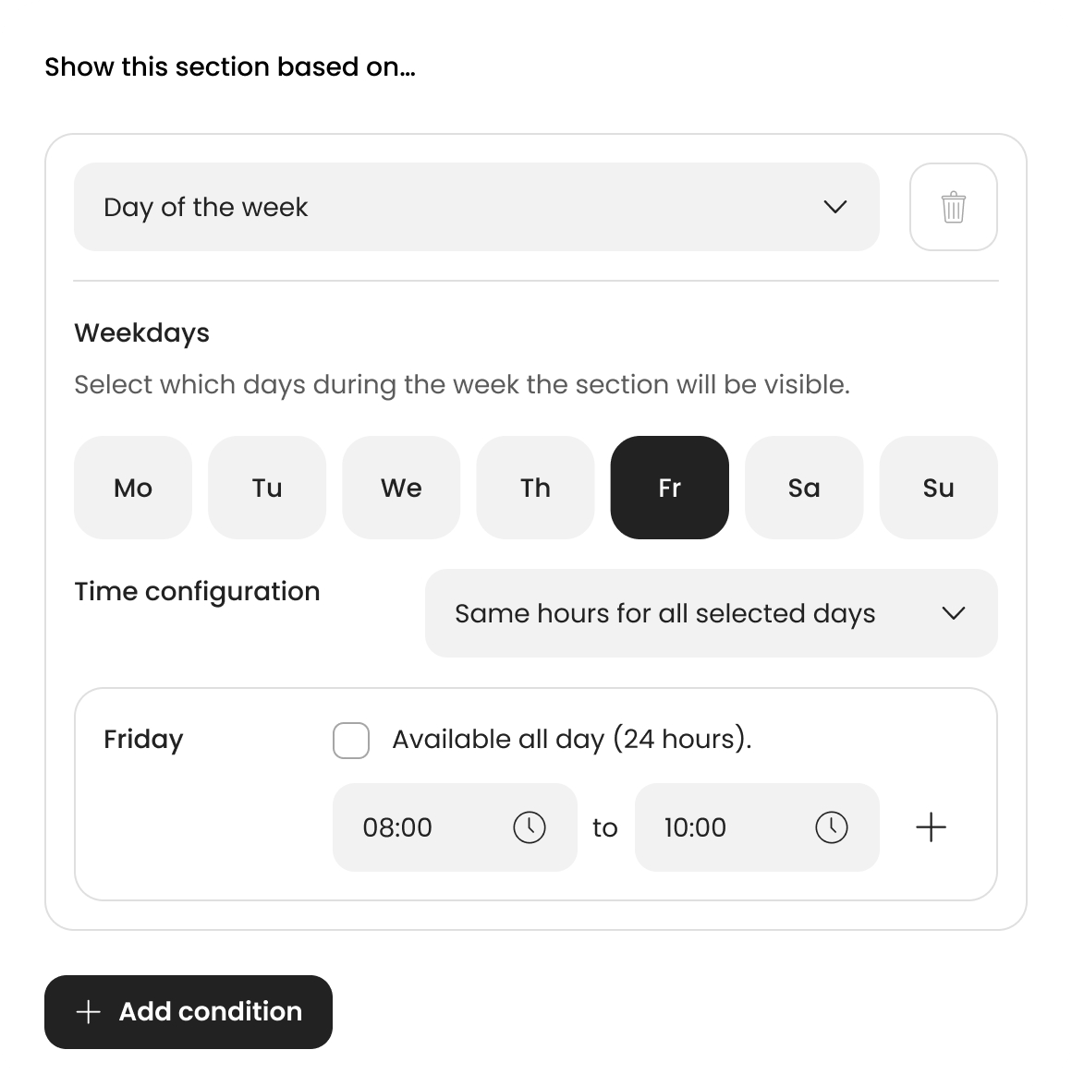
You build the rules from three signals: time, reservation status, and guest data. Stack as many filters as you need. For guests, the directory stops showing them things that don't apply. For your team, one page can serve every audience instead of running parallel versions.

QR codes for any page
QR code generation is now built directly into AeroGuest, so there is no need to reach for an outside tool. Pick a colour to match your print materials, choose the main directory or any subpage, and export as SVG or PNG. Put it on room cards, lobby posters, or the back of a breakfast menu. Scan tracking and stats are coming soon.
→ Available now in AeroGuest Flow
Also new: Email builder, refreshed
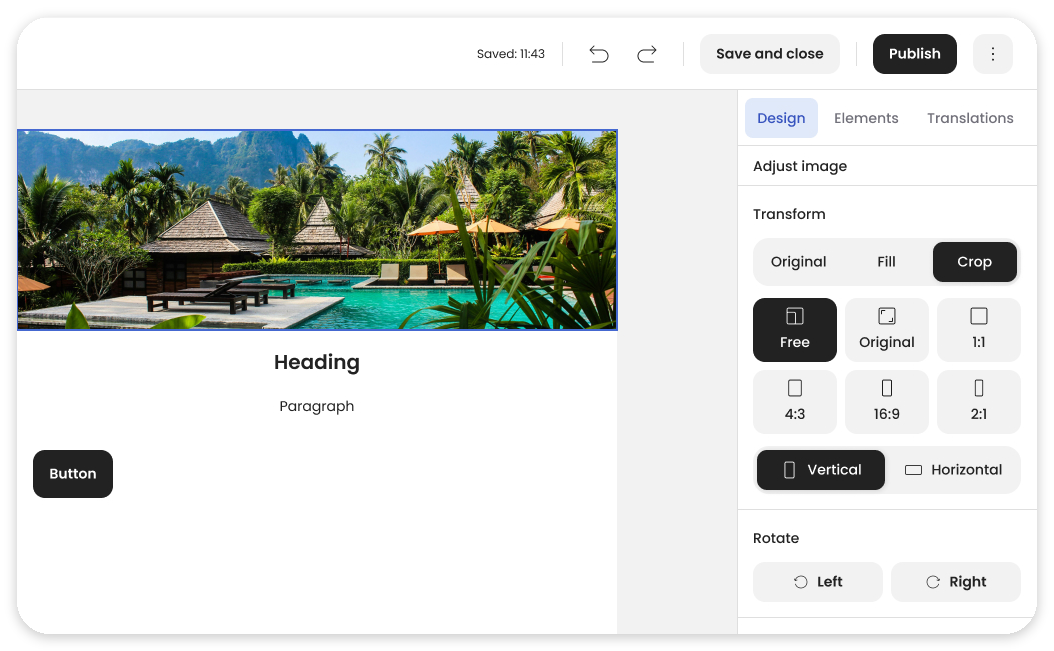
We heard your feedback. The email builder is now faster and smoother to work with. Cleaner layout, better block spacing, and image controls that give you more flexibility. Building and editing emails takes fewer clicks, and the result looks right the first time.
→ Available now in AeroGuest Flow
Also fresh: Arrival Confirmation.
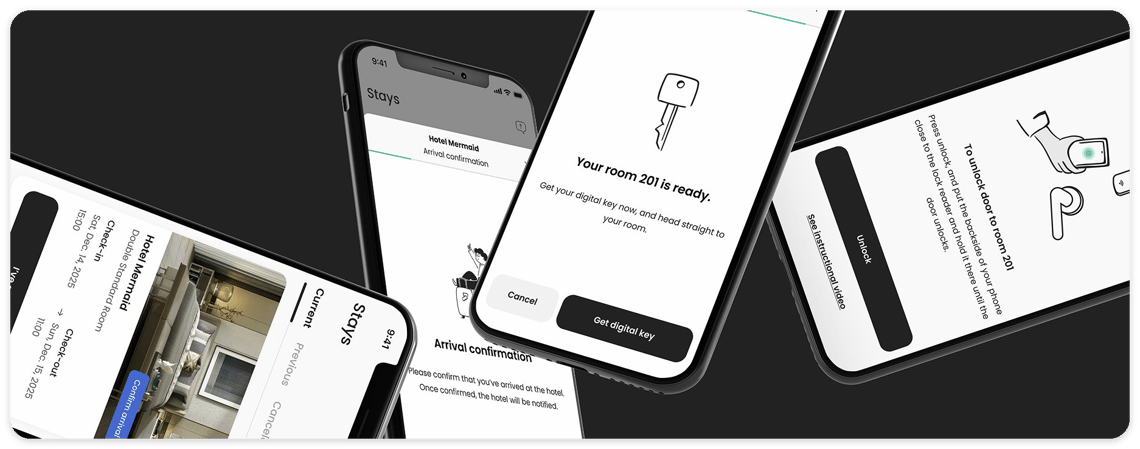
Arrival Confirmation replaces the bulk auto-check-in that moves all pre-checked-in reservations to in-house at a fixed hour, so a guest who arrives at 10 AM won't trigger anything early. Instead, each guest confirms their own arrival with a single tap when they walk through the door.
It only activates from the official check-in time you have set. From that point, the app takes over: if the room is ready, the guest gets their digital key and can go straight to their room. If not, they're told to wait and notified the moment it's ready. Staff are informed at the same time, so no one is left guessing who is actually in house.
→ Available now. Contact your Client Manager to enable it